No Scams

Why am I getting so many spam texts?
Updated November 4, 2026
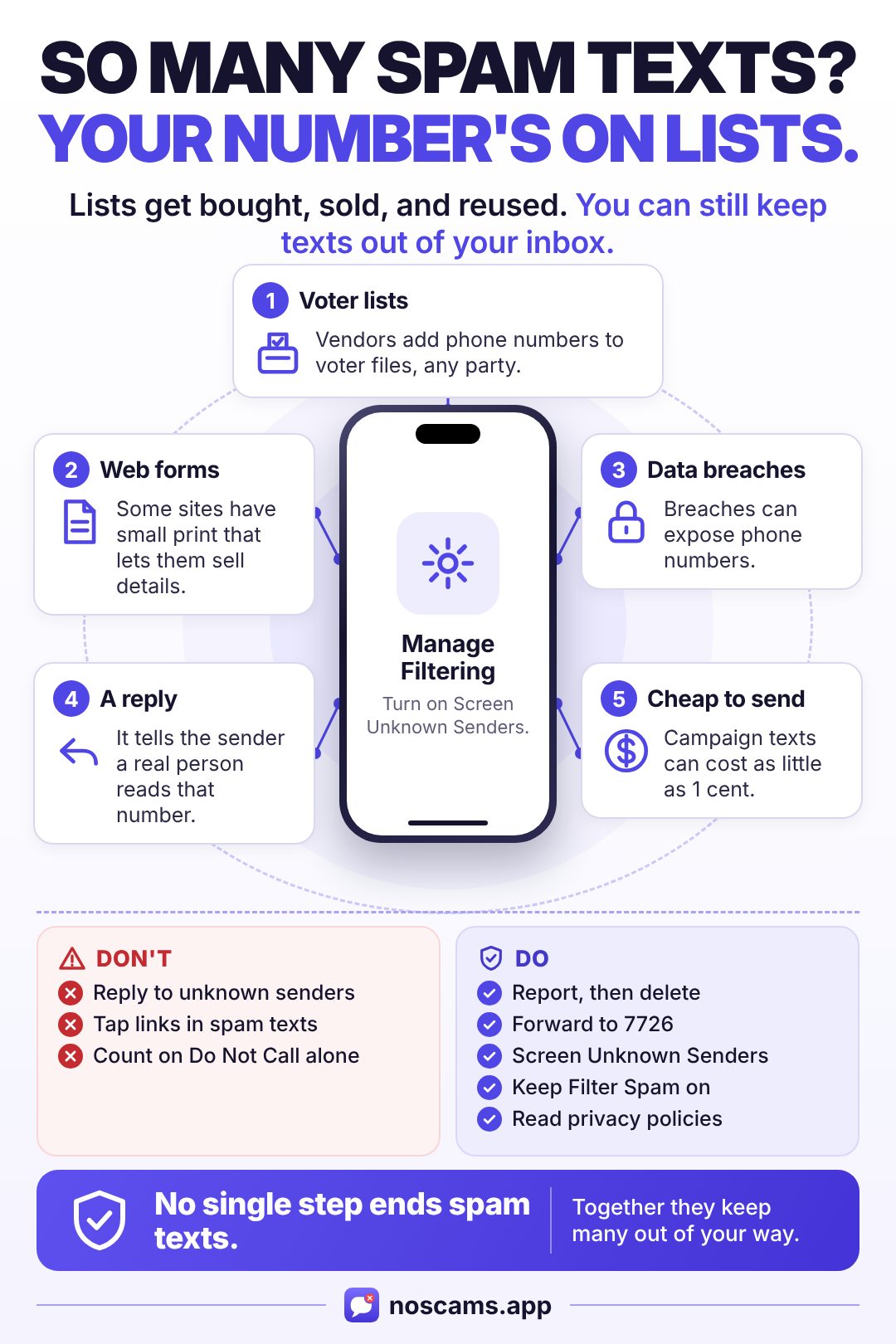
You're getting so many spam texts because your phone number is probably on lists that get bought, sold, and reused: voter files, web forms that share your details, and data breaches. Texts are also very cheap to send, and a reply tells senders your number works. You usually can't stop them at the source, but you can keep many of them out of your inbox.
Where senders get your number
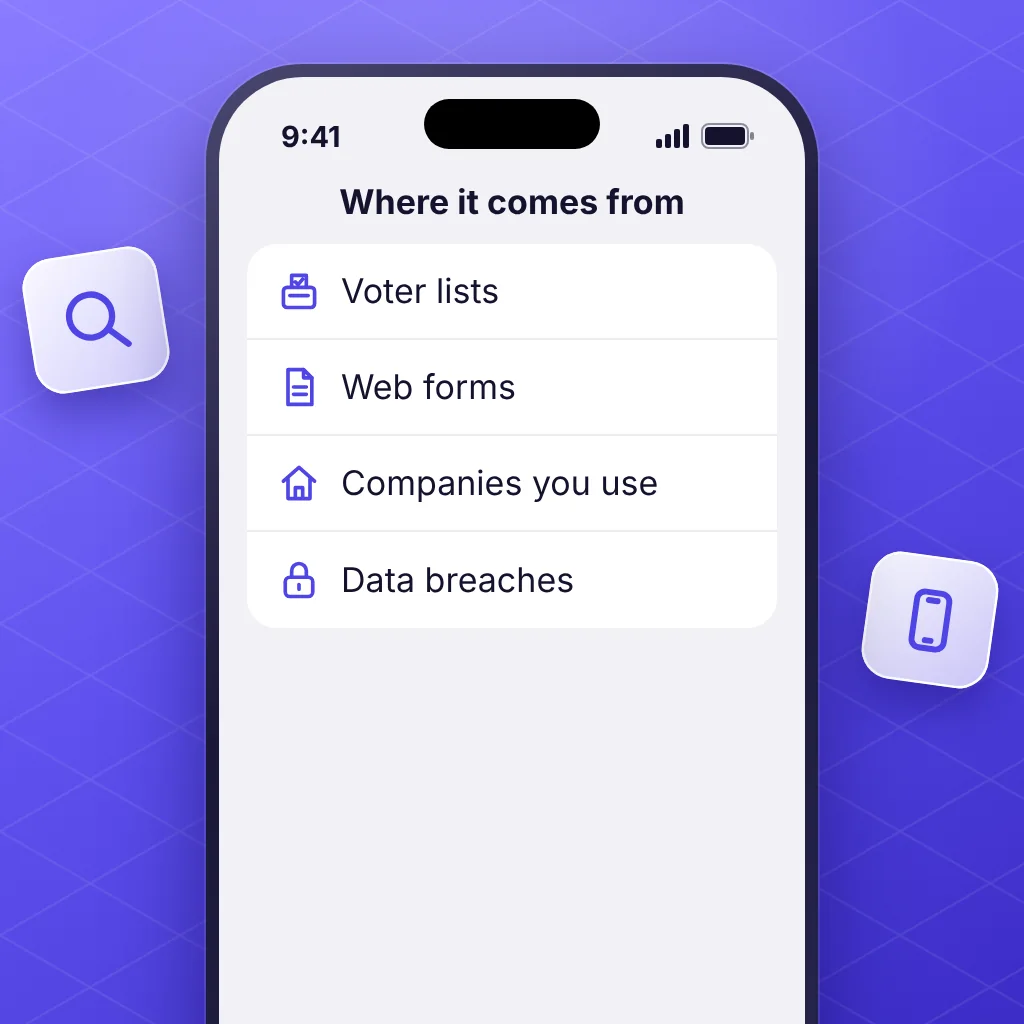
Senders don't tell you which list you came from, so you usually can't pin it on one thing. These are the common sources.
- Voter lists. Texas Public Radio reports that campaigns and political operatives pay for voter files built from public registration data, and that "third-party data vendors" add phone numbers. This works the same for every party and cause, and many of these texts are real campaign messages, not scams.
- Forms you filled out. The FCC warns to read a site's privacy policy before you submit your number, and to look for an opt-out checkbox. The FTC says some sites have small disclaimers that let them sell your details. It took action against one company that collected numbers from people seeking mortgage refinance quotes, then sold them to telemarketers.
- Companies you do business with. The FCC suggests checking the policies of companies you use for selling or sharing your information.
- Data breaches. Breaches can expose phone numbers. In May 2026, for example, Fox News reported that ADT said a breach involved names, phone numbers, and addresses, and warned that people could see more targeted scam calls or emails. The FTC says scammers who get your details could "sell your information to other scammers."
Why it can jump all of a sudden
- An election. Texts are a "relatively inexpensive way to reach voters," FOX 13 reports, and Texas Public Radio says they can cost as little as 1 cent each. RoboKiller counted about 15 billion political texts in 2022, and the texting company RumbleUp predicted 25 billion for 2024. Strategists told Texas Public Radio that campaigns drop people from their lists once counties show they've voted.
- You replied. Fast Company notes a reply tells the sender "the phone number they used has a real person on the other end," so more messages are likely, not fewer. See what happens if you reply to a scam text.
- A new form or quote request. If you recently asked for a loan, insurance, or home quote online, your number may have been passed along. Check that site's privacy policy.
- Scam text campaigns. Scammers have a reason to keep sending: people reported losing about $470 million to scams that began with a text in 2024, the FTC says. CBS News noted in 2022 that robotexts "can be emailed and don't even require a phone number," and the FCC says texts can be spoofed to hide where they came from.
Why the Do Not Call list doesn't fix it
The FCC describes the National Do Not Call Registry as a list that "legitimate telemarketers agree not to call." It's free and worth joining, but:
- Campaign calls and texts are exempt from it.
- Scammers don't follow it.
- Autodialed texts already need your consent under FCC rules, whether or not you're on the registry. If you get texts that break those rules, you can file a complaint with the FCC.
How to cut them down on iPhone
No single step ends spam texts. Together these keep many of them out of your way. The steps are for iOS 26.
-
Don't reply to senders you don't know, even with STOP. The FCC says not to respond to texts from unknown or questionable sources, and never to click links in them, and ABC10 reports that Verizon warns against replying even to say STOP. STOP is for a business you signed up with or a campaign you recognize.
-
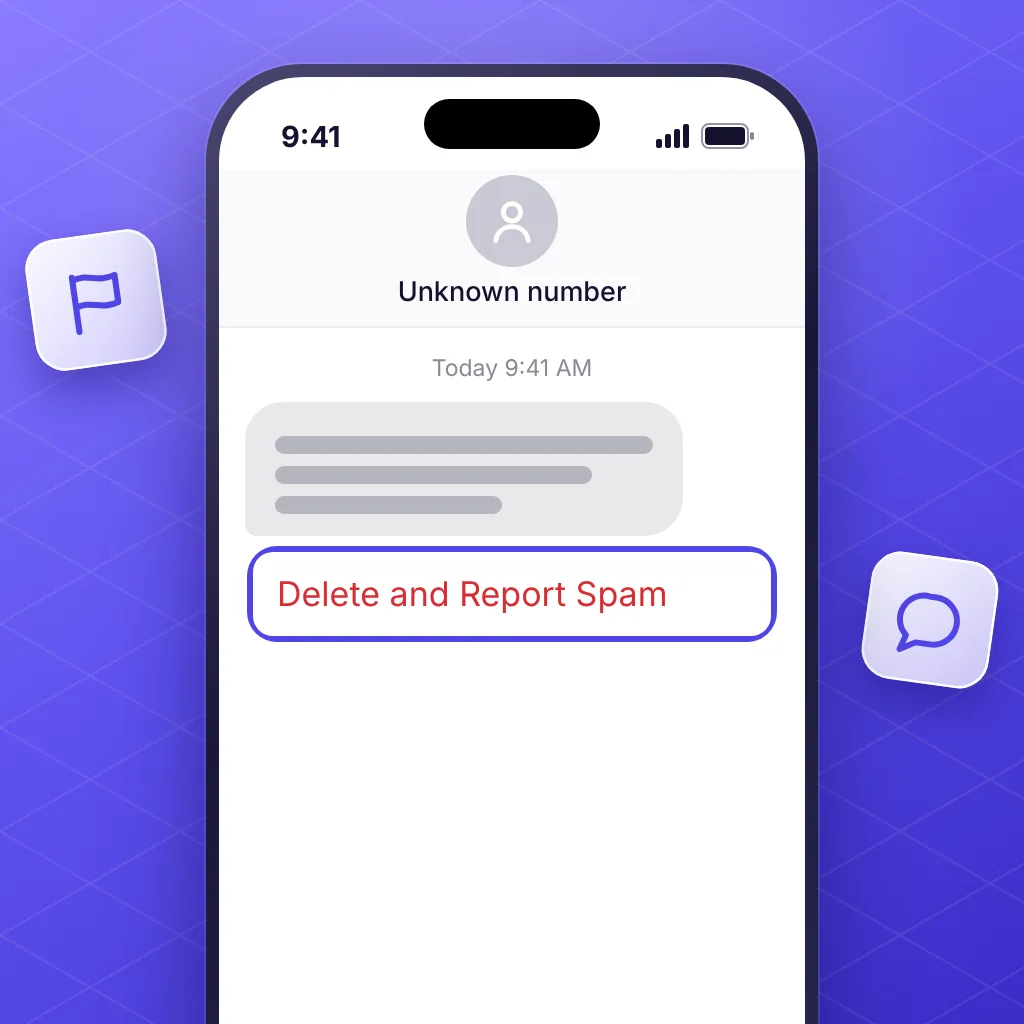
Report it, then delete it. Tap Report Spam at the bottom of the message, then Delete and Report Spam. Or forward the text to 7726. Here's how to report spam texts on iPhone.
-
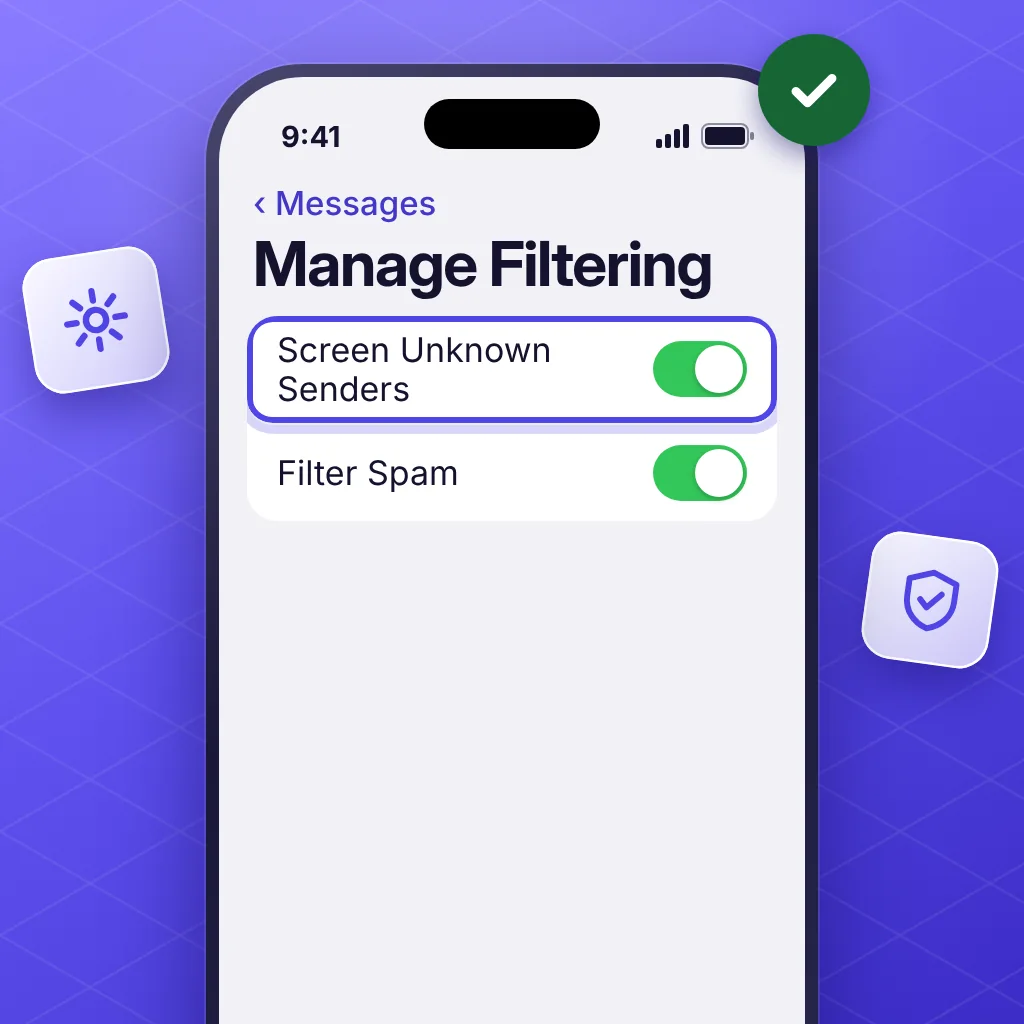
Screen unknown senders. In Messages, tap the Filters button, then Manage Filtering, and turn on Screen Unknown Senders. Texts from people you haven't interacted with and who aren't in your contacts go to a separate list. It's off by default, and it covers every unknown sender, including ones you might want. Full steps are in how to filter unknown senders on iPhone.
-
Check that Filter Spam is on. It's on by default in iOS 26. Texts Apple detects as spam go to the Spam list under the Filters button.
-
Use a text filter app. It can sort texts from numbers you don't know before they reach your main list. No Scams sends scam texts to Junk for free. No Scams Plus adds filters for loan, gambling, crypto, marketing, and political texts, and it treats every party alike. No filter catches everything, so check the filtered lists now and then.
-
Share your number less. Read the privacy policy before you enter your number on a website, and look for an opt-out checkbox.
Blocking helps with one number at a time. Here's how to block spam texts on iPhone when one sender keeps coming back.
If you tapped a link or shared details
Getting a spam text is one thing. Tapping its link or sharing information is another. Follow what to do if you clicked a scam link, and if you lost money, report it at ReportFraud.ftc.gov.
Questions
Why am I getting so many spam texts all of a sudden?
There's usually no way to know for sure. Common triggers are an election season, a form or quote request that shared your number, a data breach, or replying to a spam text. Senders don't say which list they got you from.
Why am I getting so many spam texts about loans?
Your number may have been shared by a site that collects details for quotes. The FTC took action against one company that collected names and numbers from people seeking mortgage refinance quotes, then sold them to telemarketers. Read a site's privacy policy before you enter your number, and look for an opt-out checkbox.
Why am I getting so many spam texts about politics?
Campaigns on every side use voter files and data vendors to find phone numbers, and a text can cost as little as a cent. Campaign texts are exempt from the Do Not Call Registry. Replying STOP to a campaign you recognize takes you off that campaign's list, but not off the voter file other groups use.
Will spam texts eventually stop?
There's no date you can count on, and no setting that ends them all. Your number can stay on lists for a long time. What you can change is where the texts land: filtering keeps many of them out of your main list.
Should I delete spam text messages?
Report them first, then delete. The FTC says to delete scam texts and use your phone's report option, and you can forward them to 7726 (SPAM) so your carrier can look into the sender.
Sources
- FCC: Stop unwanted robocalls and texts (reviewed February 27, 2026)
- FCC: Rules for political campaign calls and texts
- FCC: FCC issues consumer alert on robotext scams
- FTC: How are robocallers getting your phone number? (January 2, 2024)
- FTC: How to recognize and avoid phishing scams
- FTC: Is that unexpected text a scam? (April 2025)
- FTC: New data show top text scams of 2024 (April 16, 2025)
- FOX 13 Tampa Bay: Political texts are surging in 2026 (October 5, 2026)
- Texas Public Radio, via HPPR: How campaigns and PACs get away with nonstop texting (October 22, 2026)
- Fox News: ADT data breach exposes customer information (May 1, 2026)
- Fast Company: Don't reply STOP to unsolicited text messages (January 24, 2026)
- ABC10 VERIFY: Replying STOP to unwanted texts
- CBS News: Robo-texts and robocalls (July 19, 2022)
- Apple Support: View conversations from unknown senders in Messages on iPhone (April 8, 2026)
- Apple Support: Filter spam messages on iPhone (September 14, 2026)
- Apple: Report spam and block senders in Messages on iPhone (iOS 26)
Save this guide