No Scams
What does "political call" mean on iPhone?
Updated November 3, 2026
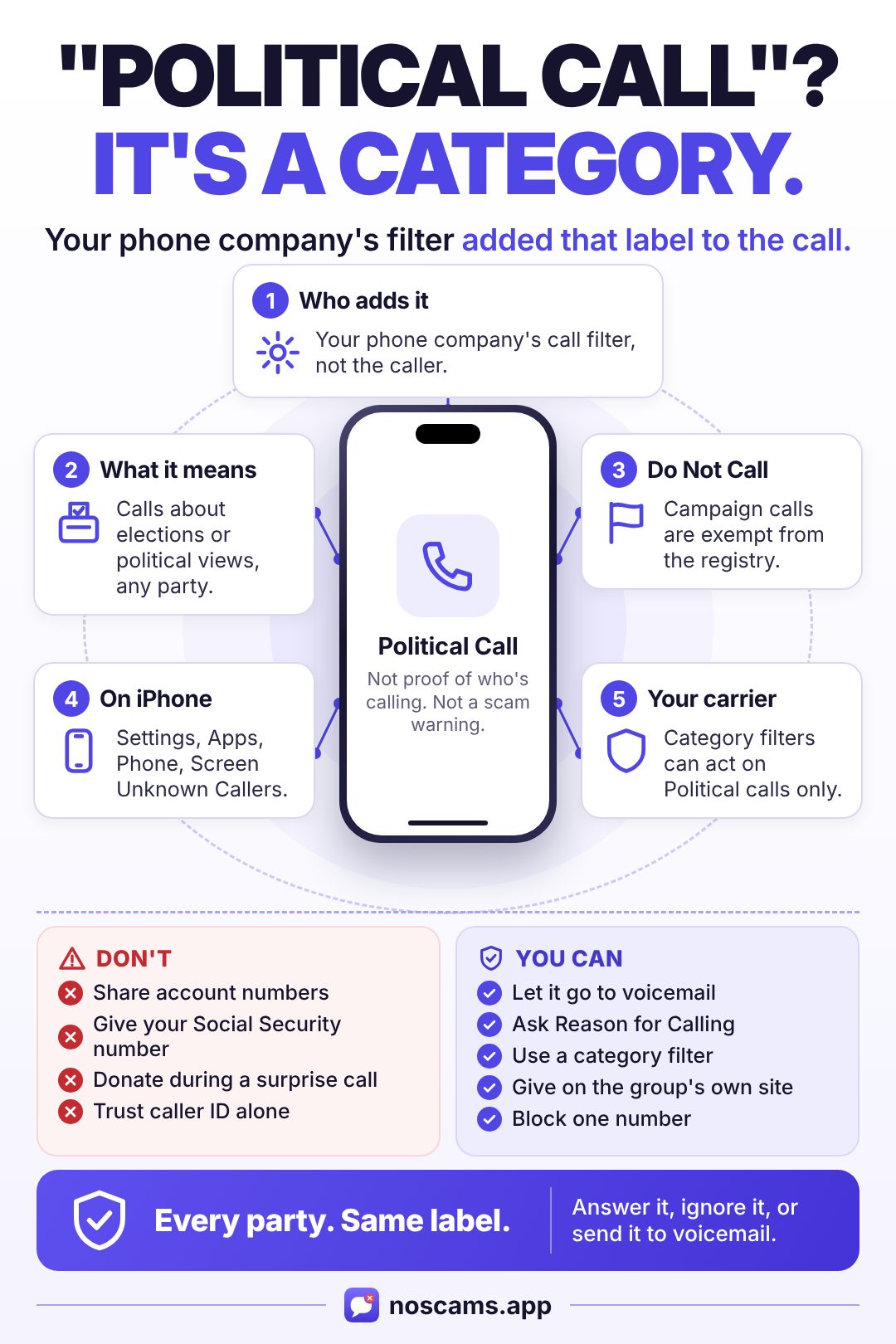
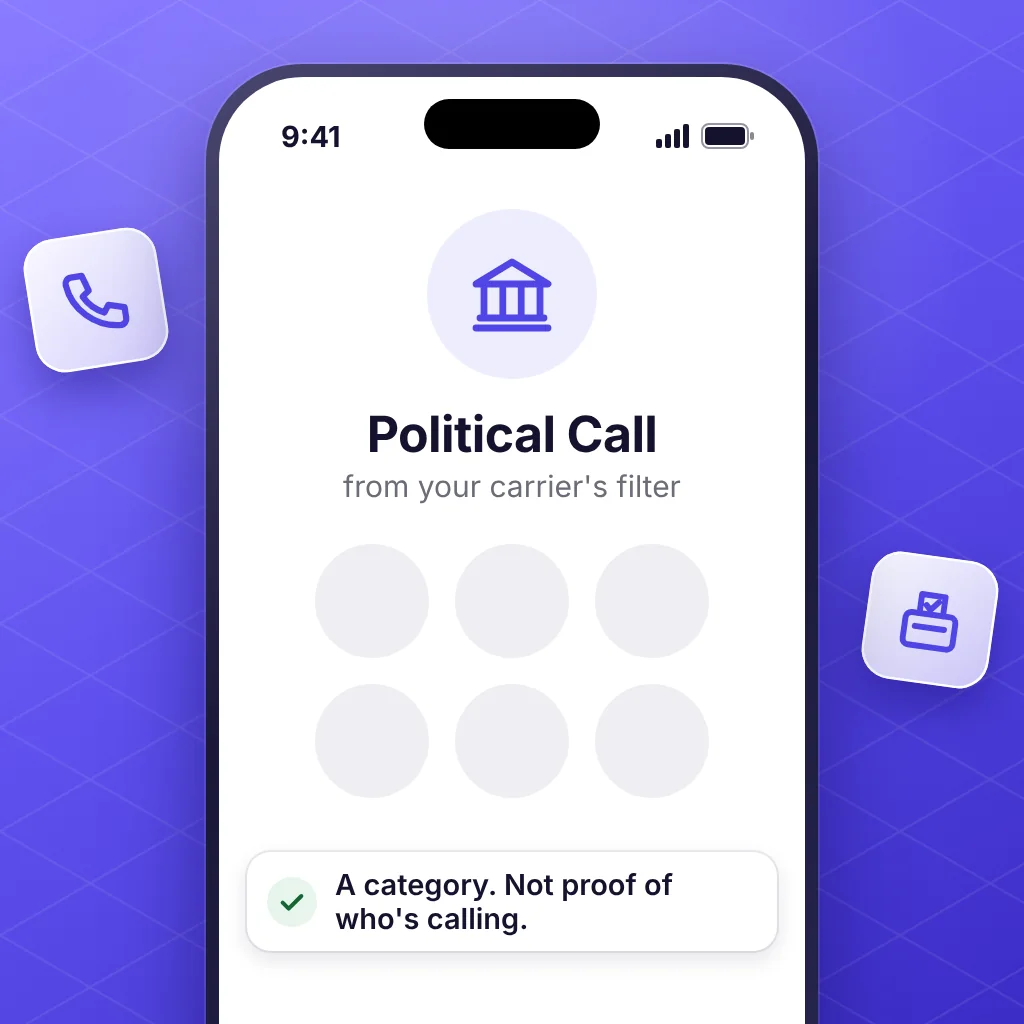
"Political call" on an iPhone means your phone company's call filter sorted the caller into its political category, such as a pre-recorded call about an election or your political views. It's a category, not proof of who's calling, and not a scam warning. You can answer, ignore it, or have calls like it sent to voicemail.
Where the "political call" label comes from
The label comes from your phone company's call filter, and it works the same way for every party, candidate, and cause. Apple's page on managing unknown callers doesn't mention it. Three big US carriers describe a Political category on their own pages:
| Carrier | What its page says | What you can do |
|---|---|---|
| Verizon | A political call is "a pre-recorded call to inform or inquire about political affiliations or upcoming elections." On iOS 17 or later, these can show in a "Maybe" category. | Block them with the category filter in the Verizon Protect app. That filter needs Call Filter Plus. |
| T-Mobile | Its network labels some calls "Telemarketing, Political, Potential Spam, etc." so you can decide which to answer. | Labels are free. Blocking "Political Solicitors" as a category is part of paid Scam Shield Premium. |
| AT&T | "Political" is one of the call categories in the ActiveArmor app, with Telemarketers, Account services, Nonprofits, Surveys, and Other. | Under Spam calls, choose Custom to allow, block, or send a category to voicemail. |
Other carriers and call-blocking apps may use their own wording. These pages were checked November 3, 2026.
What the label doesn't tell you
- It doesn't prove who's calling. The FCC says callers can deliberately falsify what shows on your caller ID, and "You may not be able to tell right away if an incoming call is spoofed."
- It isn't a scam warning. It's a category. Verizon uses separate labels for spam and fraud, such as Potential Spam and Potential Fraud.
- It isn't always right. Verizon says its filter "uses analytics and databases" that keep changing, doesn't guarantee it catches every spam call, and lets you unmark a number.
Why you get these calls
Campaign calls and texts are exempt from the National Do Not Call Registry, so joining the list won't stop them. Other FCC rules still apply:
- Cell phones: autodialed live calls, autodialed texts, and pre-recorded messages need your prior consent.
- Landlines: pre-recorded political calls are allowed without prior consent. The FCC caps those to a home line at three in any 30 days.
- Who's calling: a pre-recorded message must clearly say who's behind it at the start, and give a phone number during or after the message.
- Changing your mind: you can take back consent at any time, in any reasonable way.
How to handle a political call on iPhone
You don't have to answer. If it's important, the caller can leave a voicemail. If you do pick up:
- Don't give out personal information like account numbers or your Social Security number. That's the FCC's advice for any call you weren't expecting.
- Be careful if a poll or survey asks for personal details. The call-screening company Hiya calls that a sign it could be a scam.
- If you want to donate, hang up and go to the group's official website yourself. Hiya notes that fraudsters may pose as real political groups.
How to stop political calls on iPhone
Pick what fits. Apple's steps are from its September 2026 page.
-
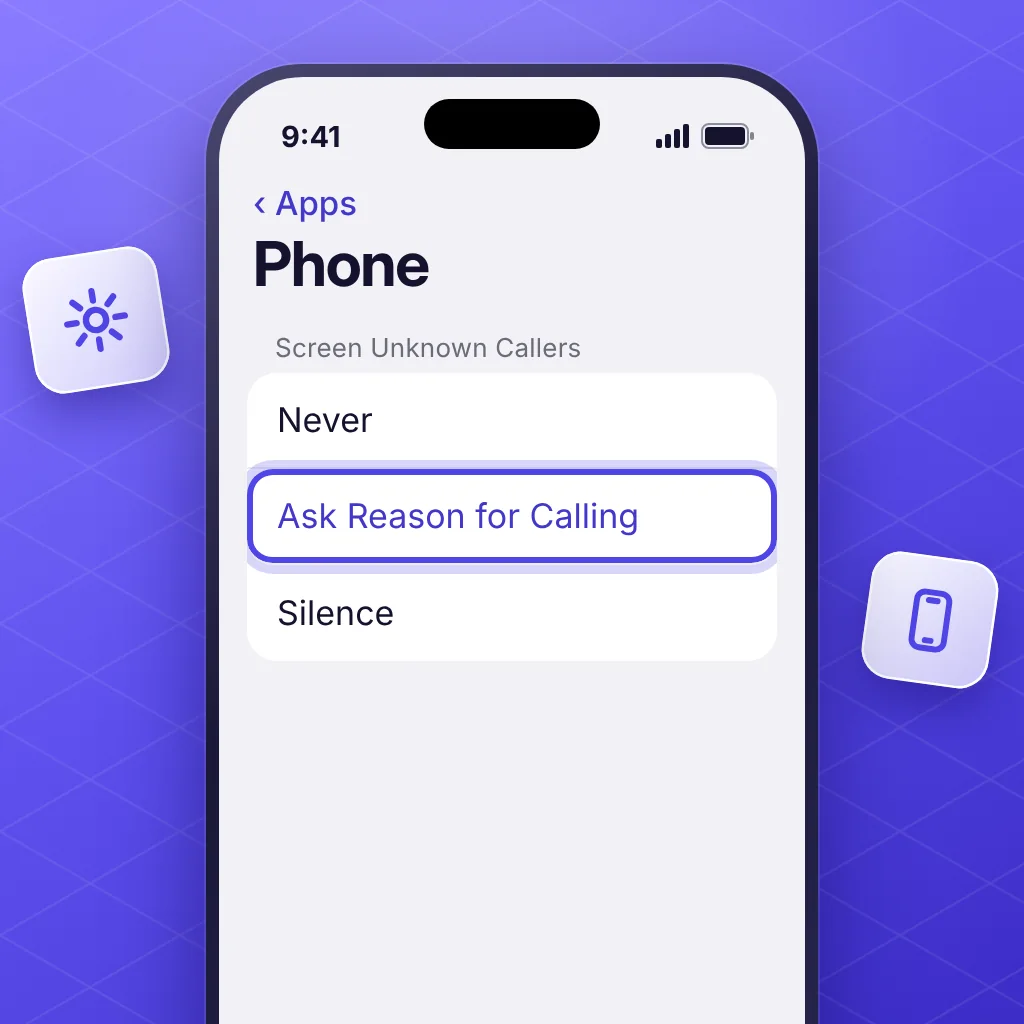
Screen unknown callers. Go to Settings > Apps > Phone > Screen Unknown Callers. Ask Reason for Calling asks callers why they're calling before your phone rings. Silence sends them to voicemail. Add people you want to hear from to your contacts, because this covers every number you haven't saved, including ones you might want.
-
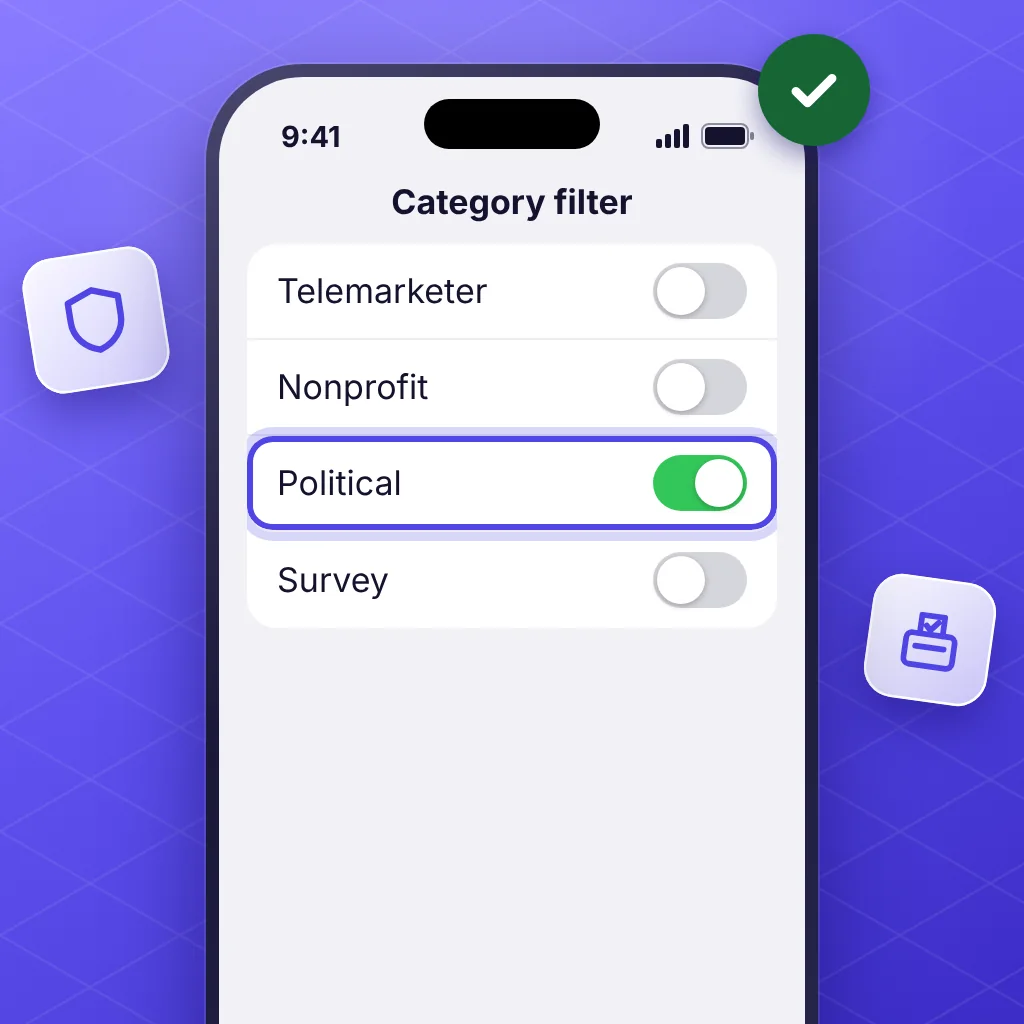
Use your carrier's category filter. It's the most precise choice, because it acts on the Political category only. Use the table above. Check the price first, since some carriers charge for it.
-
Block one number. In the Phone app, tap Recents, tap the number (in Classic view you can use the Info button), scroll down, and tap Block Caller. This stops that number only, not other numbers the same group uses.
If calls break the rules above, you can file a complaint at consumercomplaints.fcc.gov.
What about political texts?
Texts and calls are separate. No Scams filters texts, not calls, so it won't change who rings your phone or what your carrier labels them. For texts, see how to stop political texts on iPhone. There's a Political and campaign texts filter in No Scams Plus that treats every party alike.
Questions
What does it mean when it says political call?
Your phone company's call filter put the number in its political category. Verizon defines these as pre-recorded calls "to inform or inquire about political affiliations or upcoming elections." T-Mobile and AT&T use a Political category too.
What does political call mean on caller ID?
The same thing. The words come from your phone company's filter, not from the person calling. Caller ID can also be falsified, so the label doesn't confirm who's on the line.
Is a political call a scam?
The label doesn't say either way. Many are real campaign, survey, or advocacy calls, from every party and cause. Treat any unexpected caller with care: don't give out account or Social Security numbers, and if you want to donate, go to the group's own website yourself.
Why does my phone number show up as a political call?
Carriers don't publish how each number gets a category. Verizon says only that its filter uses analytics and databases that keep changing, and that you can unmark a number. If your own number is labeled, ask your phone company. Scammers can also falsify caller ID, so calls that show your number may not have come from you.
Sources
- Verizon: Call Filter FAQs (© 2026)
- Verizon: Call Filter, enable or disable category filter
- T-Mobile: Help with scams and spam
- AT&T: Use the ActiveArmor app (updated June 15, 2026)
- FCC: Rules for political campaign calls and texts
- FCC: Political campaign robocalls and robotexts consumer guide (last reviewed March 5, 2025)
- FCC: Caller ID spoofing
- Apple Support: Manage unknown callers on iPhone (September 14, 2026)
- Apple Support: Block phone numbers, contacts, and emails on iPhone (May 29, 2026)
- Hiya: Scam of the month, elections (April 25, 2024)
Save this guide